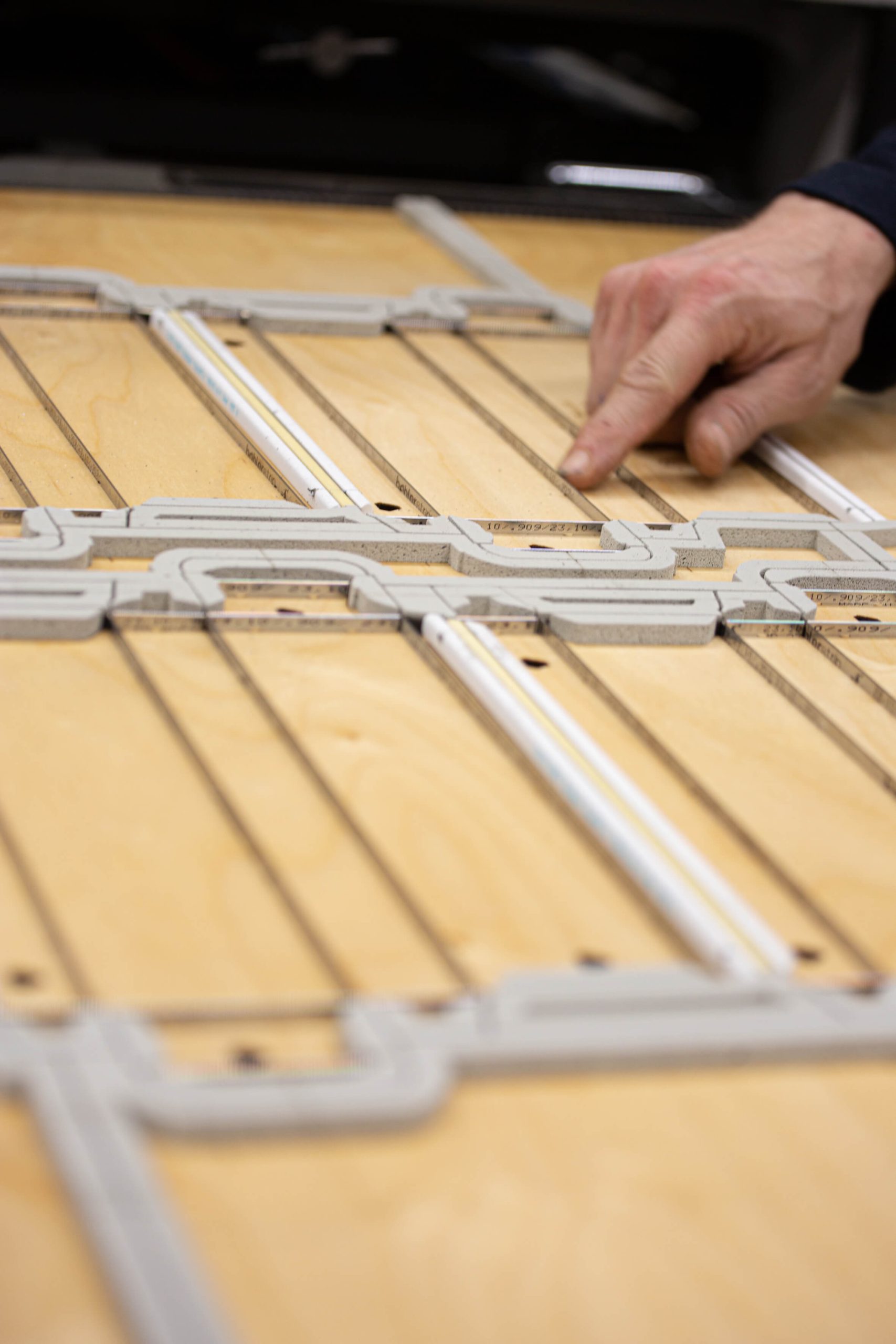
Do you need to have packaging, a presentation folder or other printed matter die-cut? If so, a good end result starts with the die-cut artwork you supply. A die-cut line that is incorrectly constructed, is not on the register or does not align exactly with the print file can cause problems during production.
How do you submit a die-cut file correctly, and what do you need to bear in mind? We’ve listed the key points for you below.
What is a die-cut drawing?
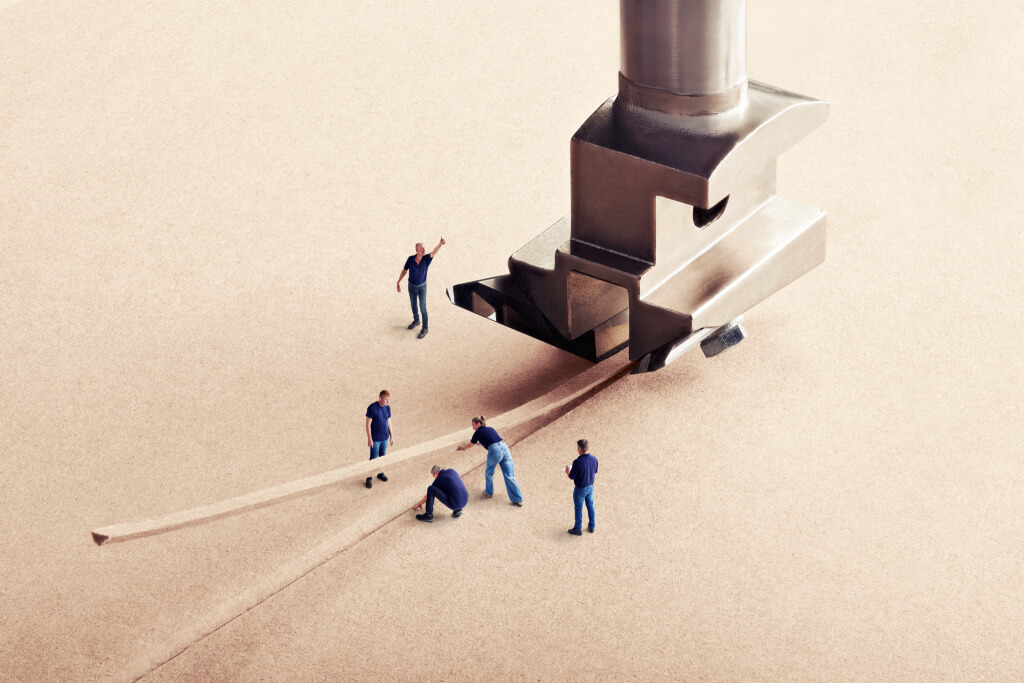
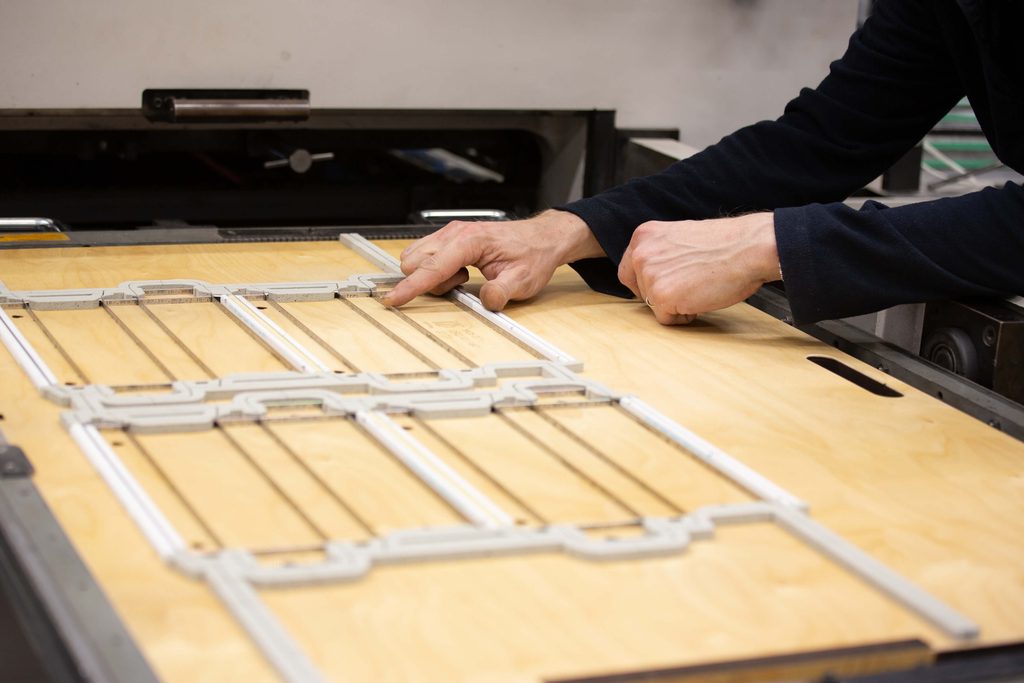
A die-cutting drawing shows where the material is die-cut, creased or folded during production. The drawing therefore forms the technical basis for the die and ultimately determines the shape of, for example, your packaging or presentation folder.
It is therefore important that the die-cut drawing corresponds exactly to the design and print file.
How should you submit a die-cut file?
A good die-cutting drawing meets a number of important criteria.
Use a different colour for the die-cut lines
Always set die-cut lines in a separate spot colour and do not create them using CMYK. This ensures that, during processing, the die-cut line can be clearly distinguished from the artwork that is actually to be printed.
Set the die-cut line to overprint
The die-cut line must be set to overprint. This prevents the line from cutting out parts of the underlying design and ensures that it can be processed correctly.
Check the size and aspect ratio
Are you supplying the print file and the die-cut template as separate files? If so, please check that both files have exactly the same dimensions, scale and aspect ratio.
Even a slight difference in scale can mean that the print, crease lines and die-cut shape no longer line up properly.
Please note regarding double-sided printed materials
Is the print sheet being printed on both sides? If so, the die-cut lines on the front and back must line up exactly. Please check this before submitting the final file.
Checklist for submitting die-cutting drawings
Before submitting, please check that:
- The die-cut lines have been created as a separate spot colour.
- The die-cut lines are not in CMYK.
- The die-cut line is set to overprint.
- The die-cutting file and the print file must be exactly the same size and scale.
- Ensure that the front and back sides of double-sided printed material line up correctly.
Why is an accurate die-cutting drawing important?
A slight deviation may be barely visible on the screen. However, during printing, die-cutting and folding, that same deviation can suddenly make a big difference.
By checking your die-cutting drawing thoroughly in advance, you reduce the likelihood of revision rounds, delays and unnecessary costs. This makes the transition from design to production run much more smoothly.
Need a new die cut made?
Are you using a new shape for new packaging or a presentation folder? If so, a new die may need to be made. Ensure that the final dimensions and construction have been finalised before the die is produced.
Would you like to get in touch?
Would you like more information, or are you curious about the options for your product?
Get in touch with us